
Storage shelves are part of a working stock system, not just decoration. Use the supplied shelf reference and Steam discussion to identify the item in your current catalog, then plan shelf capacity around the deliveries the store must receive.
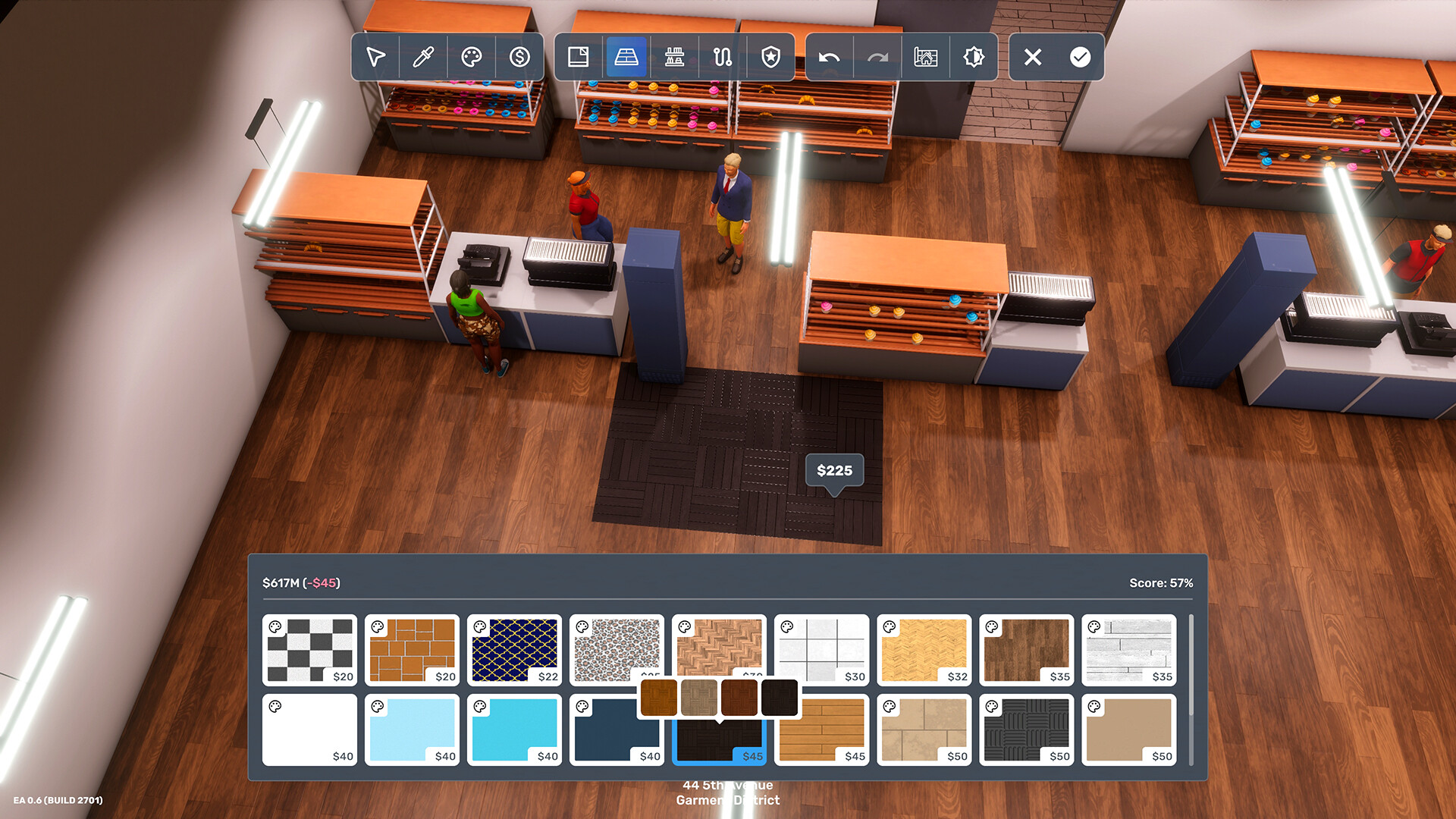
Official Big Ambitions screenshot — source.
Confirm the item type in the catalog
Search for the shelf by name and compare it with the storage category shown in-game. The exact store, price, and availability should be verified in your version.
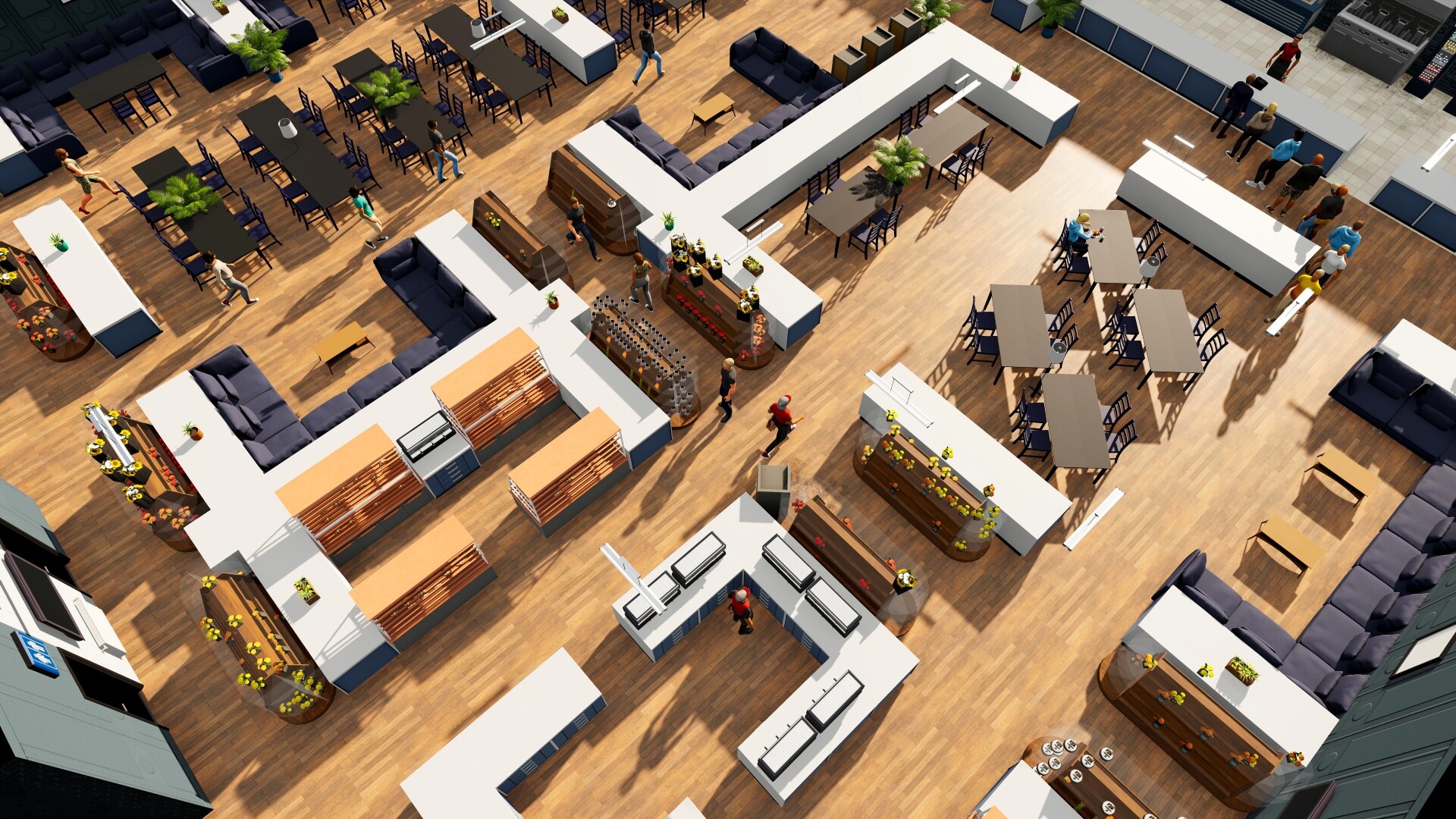
Official Big Ambitions screenshot — source.
Plan receiving space as well as display space
Warehouse and delivery systems can only work when a destination has room to accept stock. Before scheduling larger deliveries, check that the store has appropriate shelf capacity for the goods you intend to keep there.
Recheck after the first delivery
Open the store after scheduled deliveries and inspect actual shelf usage. Add capacity or lower delivery targets if stock cannot be received as intended.